 Quick Media Solution

Siliph: Free PDF & Document Tools
119 free tools to edit, convert, compress, merge and sign PDFs and images, right in your browser.

Android normally uses one network at a time. Dual Connection keeps Wi-Fi and 4G or 5G mobile data both switched on and shares your apps’ connections between them, so downloads, updates and web pages draw on both. If one network drops, new connections move to the other by themselves.
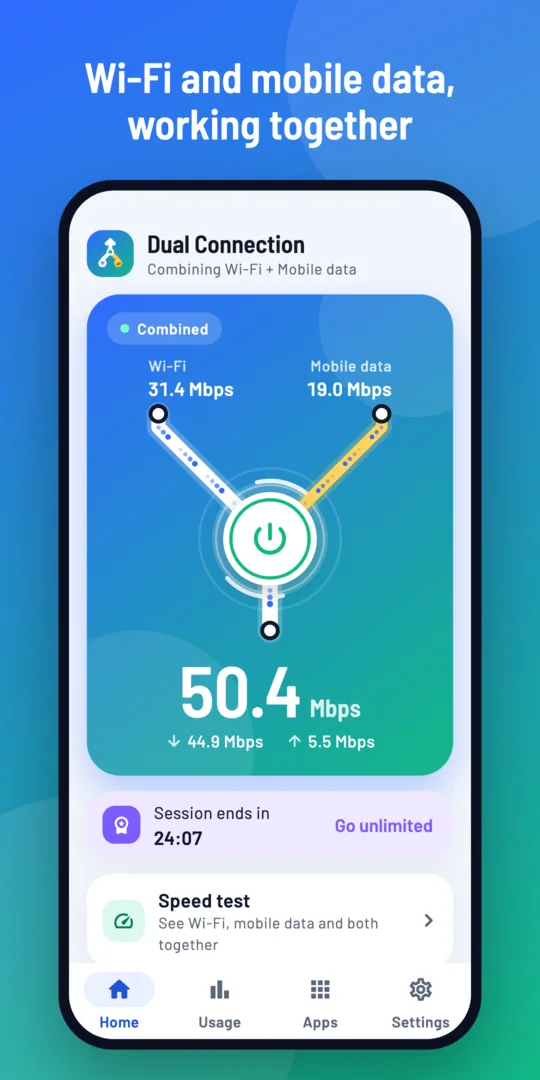
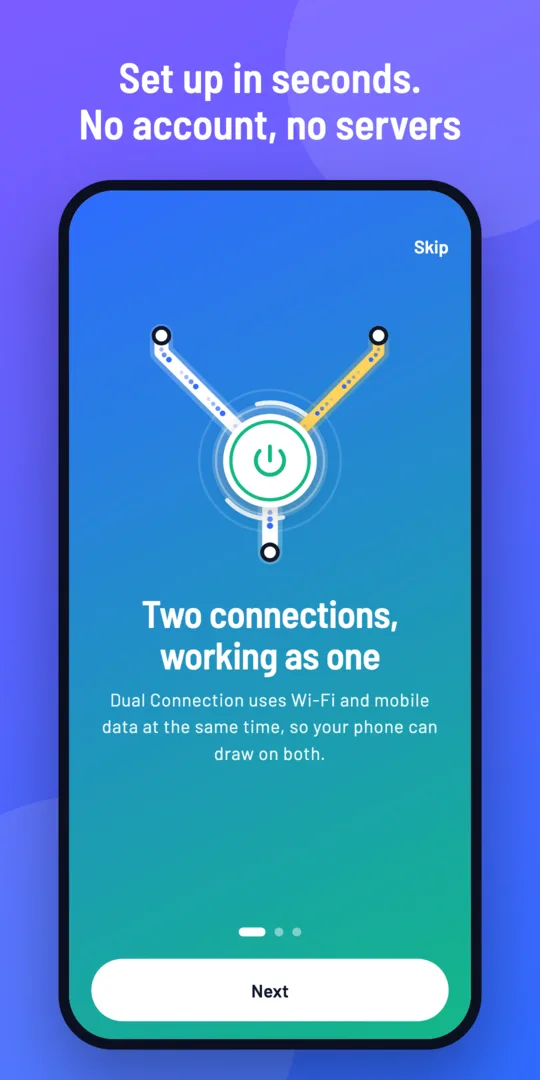
Wi-Fi and mobile data carry your apps’ connections side by side, so several downloads, app updates and web pages finish sooner.
If one network loses internet, new connections move to the other one on their own.
Measure Wi-Fi alone, mobile data alone and both together, and see how much combining adds.
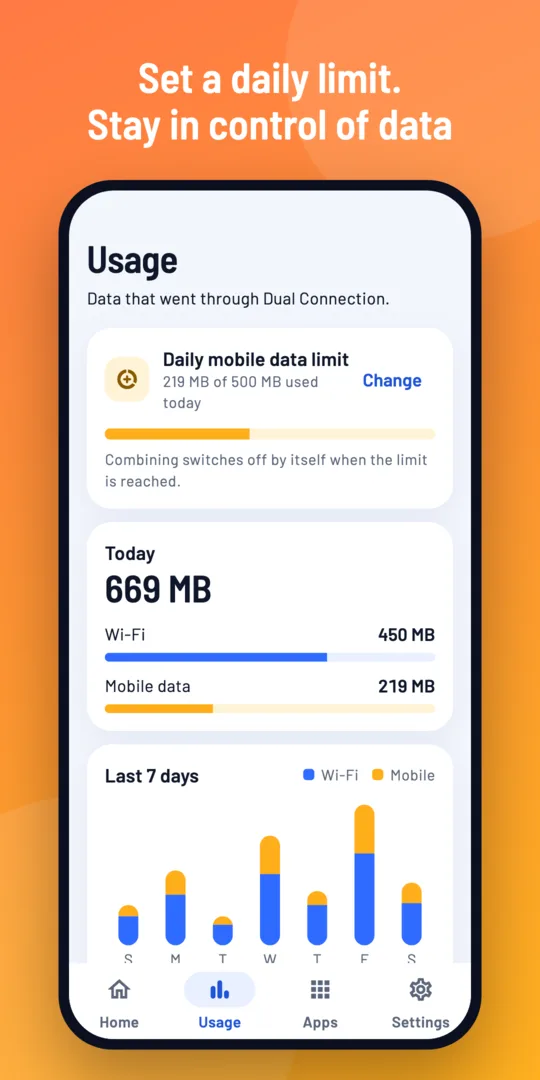
Set a limit and combining switches off by itself when you reach it. See usage for today and the last 7 days.
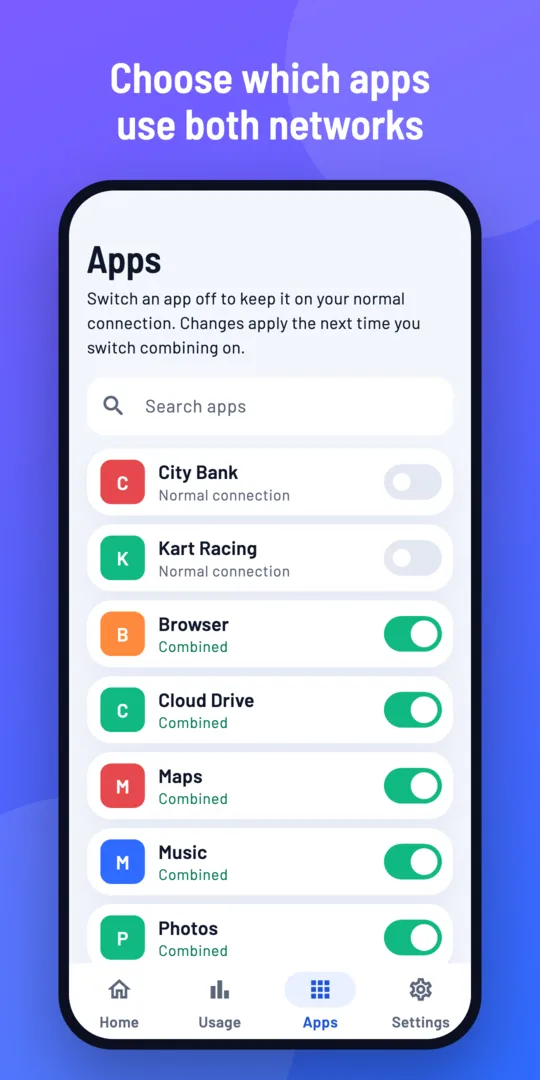
Keep banking apps or games on your normal connection and let everything else use both networks.
The VPN exists only on your phone. Traffic goes straight to the internet, never through our servers. No account, no root.
It speeds up anything that opens several connections at once: parallel downloads, app updates, web pages, cloud backups. One single connection, like one video stream or a game, travels over one network and is as fast as that network.
Android only lets an app choose the network for each connection through its VPN service. The VPN runs entirely on your phone; nothing passes through our servers.
Yes, mobile data stays on while your networks are combined. Set a daily limit in the app if your plan is limited.
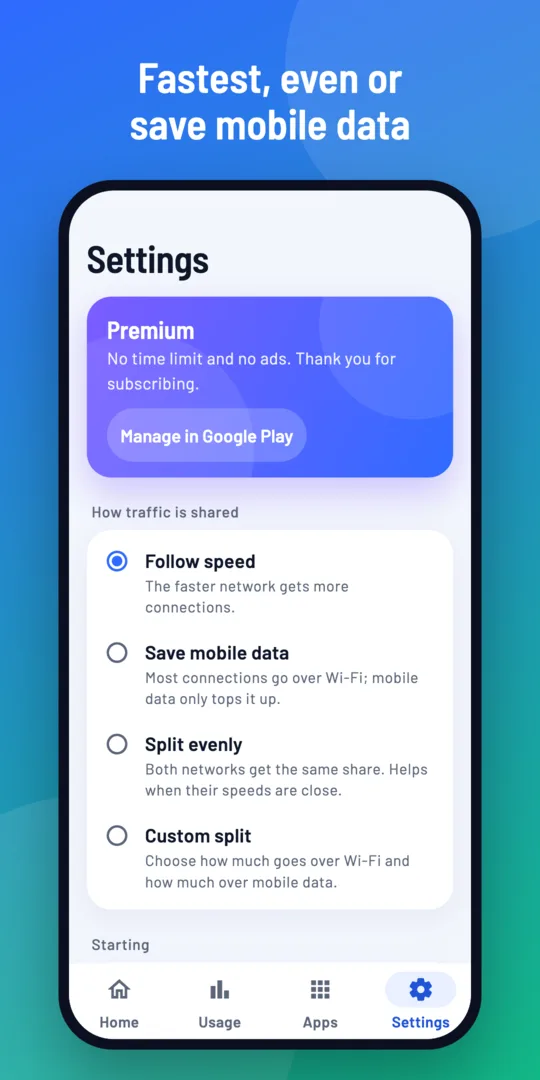
The free plan combines your networks in 30-minute sessions with ads. Premium removes the time limit and ads and adds per-app control, more sharing modes and a Quick Settings tile.
Android 8.0 and newer. It needs no root.
119 free tools to edit, convert, compress, merge and sign PDFs and images, right in your browser.

Switch between ring, vibrate and silent in one tap, from a Quick Settings tile or a home-screen widget.
A funny desi mistri game: fill the cracks between the tiles and clear the level. Works offline too.